Pinterest keywords versus hashtags: label a Pin for the task
A practical distinction between descriptive Pin copy and a pasted block of hashtags.
Pinterest asks creators for a title, description, link, board, and optional related topics. Those fields should describe the idea accurately.
The problem behind the post
A Pin can surface while someone is planning a project, product purchase, or recipe. In that moment, a useful title and description tell the person what the destination contains. A pasted hashtag cloud may repeat the same words without providing context. Pinterest currently allows hashtags in descriptions, but its creation flow also offers structured descriptive fields. Use those fields first.
A practical way to handle it
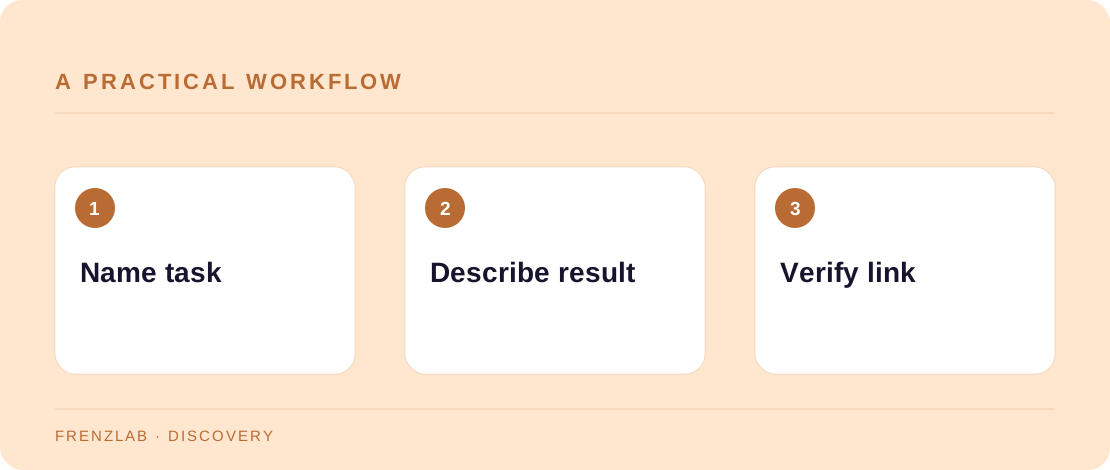
Start with the task a person wants to complete. Put that task in a natural title, then explain the outcome and one distinguishing detail in the description. Choose a relevant board and make sure the destination URL opens the promised guide or product. If you still use a few hashtags, clean duplicates and keep only terms that fit the Pin.
Compare your draft with Pinterest's current Pin creation screen. The image, title, description, board, and link should tell one consistent story. If the image promises a printable sewing pattern but the link opens a general homepage, fix the destination before adjusting keywords. You can examine outbound clicks in Pinterest Analytics if you have access to a business account.
A worked example
A Pin for a free tote-bag pattern can say “Beginner tote bag pattern with a boxed bottom” and mention the required fabric size in the description. That gives a planner a reason to click. A block such as “#DIY #craft #style #trending” leaves the actual pattern unclear even if every tag is valid.
Before you publish
- Does the title name the project or result?
- Does the linked page contain the promised material?
- Would the description still make sense without hashtags?
A common mistake
Do not treat a hashtag cleaner as a substitute for writing a useful Pin. If the title, image, and destination disagree, the problem is editorial, not formatting. Use the cleaner only after the descriptive work is done.
Use the related Frenzlab tool to put this method into practice, then check the result in the destination platform.
Sources and further reading
Platform features and interfaces may change. These references were used to check the platform-specific details in this guide.
Practical, independently written guidance. If a step has changed, tell us so we can verify it.