Turn one webinar into a four-week social content plan
Extract useful questions and demonstrations from a webinar instead of posting four weeks of clips at random.
A long presentation can support many posts when each one answers a distinct question.
The problem behind the post
A webinar often contains an introduction, a demonstration, examples, audience questions, and a conclusion. Cutting it into arbitrary one-minute clips may produce fragments with no context. A content plan should start by identifying the moments that are independently useful and the audience question behind each one.
A practical way to handle it
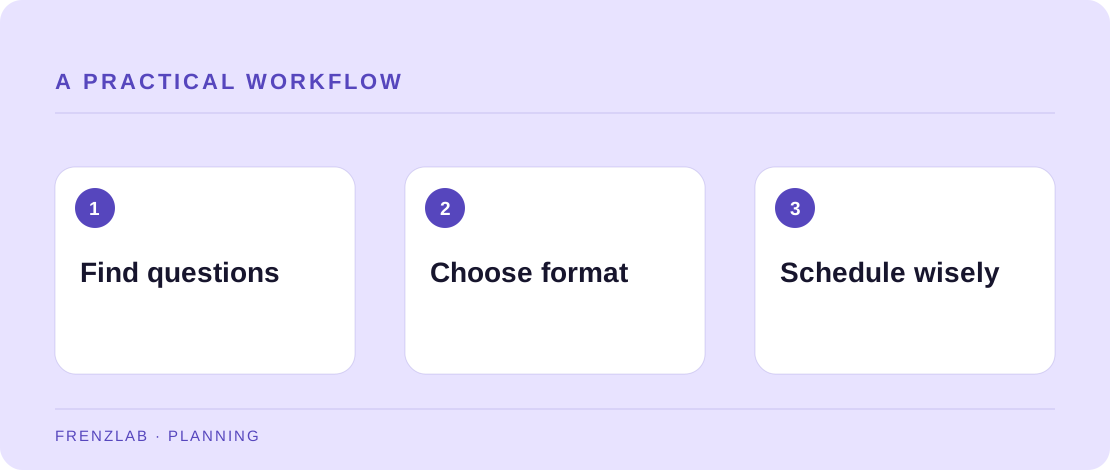
Review the recording and transcript. Mark a few clear questions, one visual demonstration, and one mistake the speaker corrected. For each candidate, write what a viewer can do after seeing it. Use the Content Calendar Planner to place those ideas across weeks and channels; then replace its prompts with exact clip timestamps, image references, and a destination for further detail.
Vary the format only when it improves comprehension. A chart explanation may become a static image with alt text, while a physical technique needs video. Include a link to the full webinar or notes when the short post cannot carry necessary context. After publishing, watch for follow-up questions; they can become the next month's content rather than another cut from the same recording.
A worked example
A small-business tax webinar includes a ten-minute section on organizing receipts. One post can show the folder structure, another can answer an audience question about shared expenses, and a third can point to a checklist. Each post has its own task and can link to the full recording for context. The calendar prevents all three from appearing on the same day.
Before you publish
- Does each post answer a distinct question?
- Is context preserved from the original presentation?
- Have you recorded clip timestamps and owners in the plan?
A common mistake
Do not present a clip as universal advice when the webinar gave a regional or time-specific qualification. Keep those limitations in the shorter post or point clearly to the full explanation. Repurposing should preserve meaning, not merely increase volume.
Use the related Frenzlab tool to put this method into practice, then check the result in the destination platform.
Sources and further reading
Platform features and interfaces may change. These references were used to check the platform-specific details in this guide.
Practical, independently written guidance. If a step has changed, tell us so we can verify it.