Plan YouTube chapters for a product walkthrough with clear tasks
Organize a product walkthrough by the actions viewers want to find again.
A product video can be easier to use when its chapters reflect tasks instead of internal feature names.
The problem behind the post
A walkthrough often follows the order a product team knows: dashboard, settings, integrations, and account. A new user thinks in tasks: create a project, invite a collaborator, export a result. Chapters should bridge that gap. If the video is a sales overview rather than a tutorial, label it honestly so viewers know how much detail to expect.
A practical way to handle it
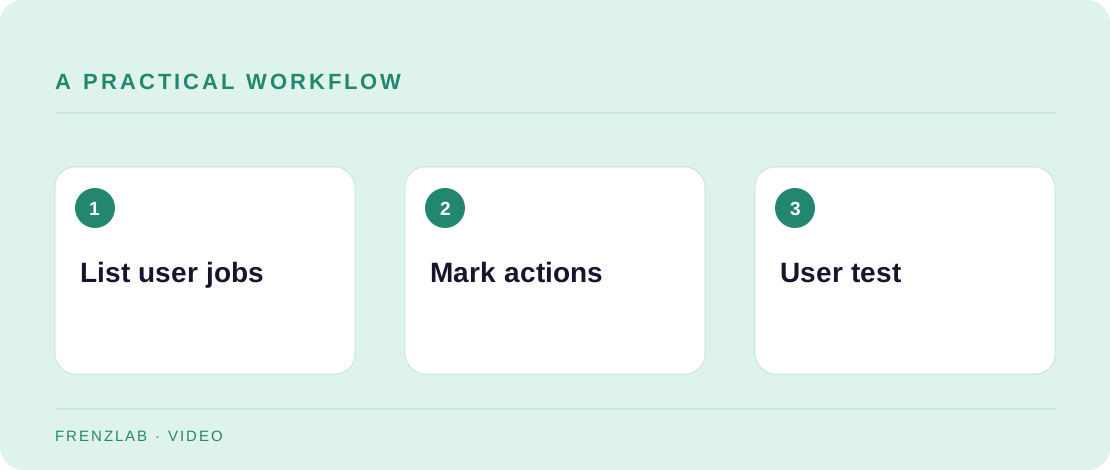
List the viewer's main jobs before recording. During the final edit, note the moment each job begins. Write titles as actions, using terms visible in the product when necessary. For a tool that designs invoices, “Create your first invoice” is more useful than “Module A.” The YouTube Chapter Validator checks the list's structure; it cannot judge whether a title matches the clip.
After publishing, ask a first-time user to find one task through the chapter menu without help. If they choose the wrong section, rename or regroup chapters. The result is not only a better video experience; it can reveal where the product itself uses unfamiliar language.
A worked example
A bookkeeping app walkthrough could mark 00:00 What this video covers, 00:35 Create a client, 02:15 Build an invoice, 04:40 Send and track payment, and 07:20 Export records. A user who needs an export can go straight to that section. A chapter called “Advanced features” would be much less useful.
Before you publish
- Are chapter titles written as user tasks?
- Does each marker start at the correct final-edit moment?
- Can a new user find one task without guidance?
A common mistake
Do not create a chapter for a feature that is only mentioned but not demonstrated. That title sets an expectation the clip cannot meet. If a feature deserves a chapter, show the actual steps or link to a dedicated video.
Use the related Frenzlab tool to put this method into practice, then check the result in the destination platform.
Sources and further reading
Platform features and interfaces may change. These references were used to check the platform-specific details in this guide.
Practical, independently written guidance. If a step has changed, tell us so we can verify it.