Why YouTube chapters may not show: check the list first
A calm troubleshooting checklist for timestamp structure, duration, and final description placement.
Before changing your whole video, verify the chapter list against YouTube’s published requirements.
The problem behind the post
When chapter markers do not appear, creators often try random formatting changes. A structured check is faster. YouTube's help page describes the key format: an opening 00:00 timestamp, at least three timestamps in ascending order, and sections with a minimum length of ten seconds. Some accounts may also need access to relevant advanced features.
A practical way to handle it
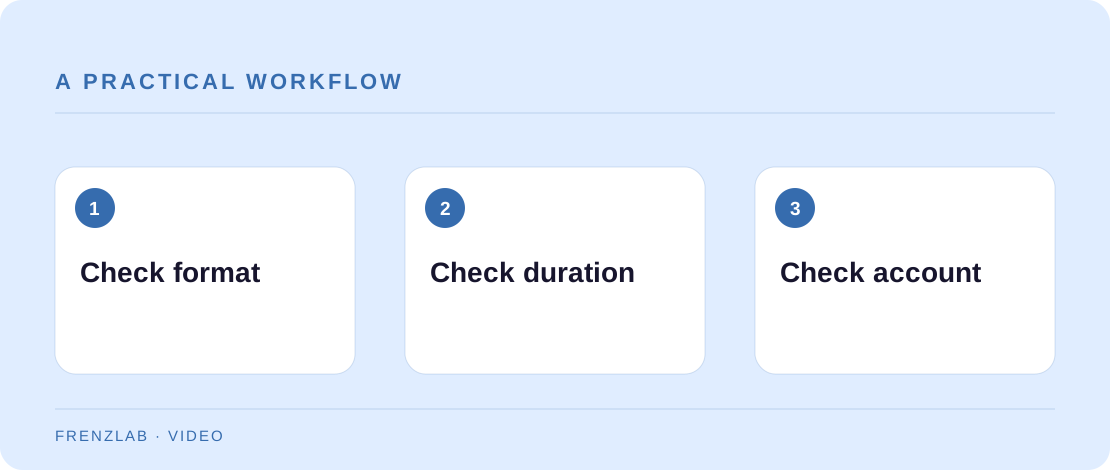
First, open the saved description and confirm the list is actually there, with a title after every timestamp. Copy it into the Frenzlab validator to catch a missing opening marker, an out-of-order time, or a short middle section. Then compare the last timestamp to the actual video length; a final chapter shorter than ten seconds will not be caught without that duration.
If the structure is valid, look at YouTube Studio for feature eligibility or account-specific notices rather than assuming the tool is broken. Try a straightforward list of clear titles and save again. Allow for processing and check the published watch page. Keep a record of what changed so you do not lose a working version of the description during experiments.
A worked example
A list starts 00:15 Intro, 01:00 Setup, 04:00 Demo. The first entry is not 00:00, so the validator flags it. Another list includes 00:00 Intro, 00:07 Setup, 01:00 Demo; the first section is too short. Fixing those issues is more useful than adding unrelated hashtags to the description.
Before you publish
- Is the saved list visible in the final description?
- Does 00:00 begin the list with three or more chapters?
- Have you checked the last section against video duration and account eligibility?
A common mistake
Do not promise that a valid timestamp list always guarantees chapters. Platform eligibility and processing can affect what appears. The validator checks the rules it can see; the watch page is the final confirmation.
Use the related Frenzlab tool to put this method into practice, then check the result in the destination platform.
Sources and further reading
Platform features and interfaces may change. These references were used to check the platform-specific details in this guide.
Practical, independently written guidance. If a step has changed, tell us so we can verify it.