Write an Instagram carousel caption that adds to the slides
A practical way to write carousel captions that add context, evidence, and a next step instead of repeating slide text.
A carousel can already carry the main lesson. The caption should add what the slides cannot show easily: context, caveats, and a useful next action.
The problem behind the post
A common caption simply retypes the slides. That asks readers to work twice without learning more. Before writing, decide what the visual sequence already answers. If the slides show five steps, the caption can explain when those steps are useful, what materials are needed, or what went wrong during a real test. This makes the post useful even when someone sees only the caption preview.
A practical way to handle it
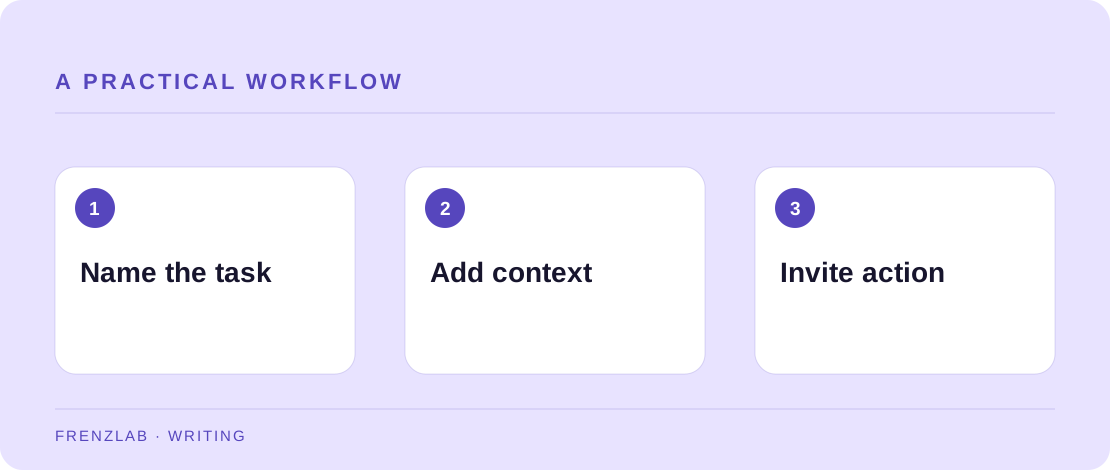
Write a one-sentence opening that names the reader's problem. Follow it with the detail behind the carousel: why you chose this method, what surprised you, or where it does not apply. Use short paragraphs so the extra context is easy to scan. If a slide includes data, identify the source and scope in the caption rather than asking people to infer it from a graphic.
Finish with a next step that fits the lesson. “Save this for later” may be convenient, but “Check your next product photo against slide three” gives a more concrete action. Use the Caption Clarity Checker to see whether your opening and paragraph breaks survived the final edit. Then preview the actual post in Instagram because line wrapping and controls can change.
A worked example
A ceramic studio posts slides showing a mug before and after moving a lamp. A useful caption might explain that the test used one windowless room and a white card, that glossy glaze behaves differently from matte glaze, and that the viewer can try moving a lamp one arm's length before buying new equipment. None of those details need another slide, but they make the lesson more trustworthy.
Before you publish
- Does the first sentence state the problem or result?
- Does the caption add a detail the slides do not already contain?
- Is the next step specific enough to try today?
A common mistake
Avoid copying the headline of each slide into a long block. If the caption is only a transcript, shorten it or add the evidence and limitations that a viewer could not see. A carousel is not automatically a tutorial; it becomes one when the reader can act on it.
Use the related Frenzlab tool to put this method into practice, then check the result in the destination platform.
Sources and further reading
Platform features and interfaces may change. These references were used to check the platform-specific details in this guide.
Practical, independently written guidance. If a step has changed, tell us so we can verify it.