Write a TikTok tutorial caption without repeating the video
Plan a short TikTok tutorial caption that names the result, adds missing context, and points to a sensible follow-up.
The video should demonstrate the action. The caption should help a viewer decide whether the tutorial fits their situation.
The problem behind the post
Short video often moves too quickly to carry every condition. A clip may show a recipe, repair, or design change without explaining the starting materials. A caption is a place to name the relevant context, not a place to transcribe every spoken line. A viewer who arrives from search also needs to understand what the clip solves.
A practical way to handle it
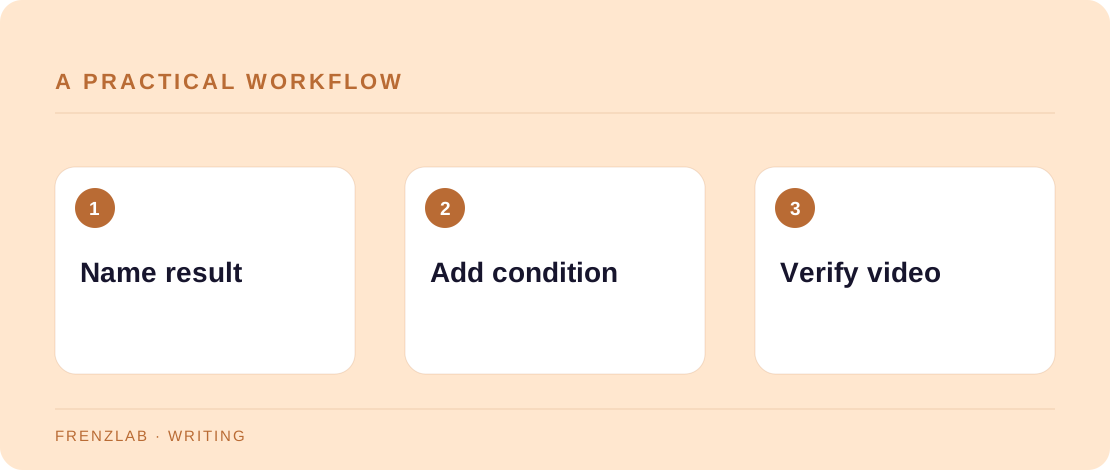
Begin with the result in plain words: what can someone do after watching? Add one or two details that would otherwise be missed, such as the material, setting, or constraint. If your tutorial is a shortened version of a longer process, say so and link to the complete instructions where the platform allows it. Keep any call to action honest about where it leads.
Read the caption while watching the video with sound off. If a crucial step exists only in the audio, add on-screen captions or a text note rather than burying it in the post description. The Caption Clarity Checker can help you trim a long opening, but it cannot tell whether the visual demonstration is complete. Test the post on a phone before publishing.
A worked example
A baker shows how to fold a filled pastry. The caption can say, “Fold chilled dough while the filling is cool; warm filling makes the seam slip. Full ingredient amounts are in the linked recipe.” This adds a condition and points to the missing measurements. “Watch until the end!” would add no useful information.
Before you publish
- Can someone identify the result before watching?
- Are important ingredients or conditions named somewhere accessible?
- Does a linked page actually contain the promised full instructions?
A common mistake
Do not use a caption to compensate for an unclear video. If the demonstration skips a decisive step, edit the video or make a longer follow-up. A concise caption works when it supports the visual sequence rather than carrying the entire lesson alone.
Use the related Frenzlab tool to put this method into practice, then check the result in the destination platform.
Sources and further reading
Platform features and interfaces may change. These references were used to check the platform-specific details in this guide.
Practical, independently written guidance. If a step has changed, tell us so we can verify it.