Use UTM links for an Instagram bio campaign without messy reports
A naming pattern for Instagram bio links when one landing page serves several promotions.
A campaign link should help you answer a small question: which placement sent this visit?
The problem behind the post
A single link in a profile may change over time. If every promotion uses an untagged URL, analytics can show traffic without telling you which campaign people saw. UTM parameters add labels to the link. They do not identify individual visitors, and they cannot replace analytics on the destination site. The value comes from consistent names across a campaign.
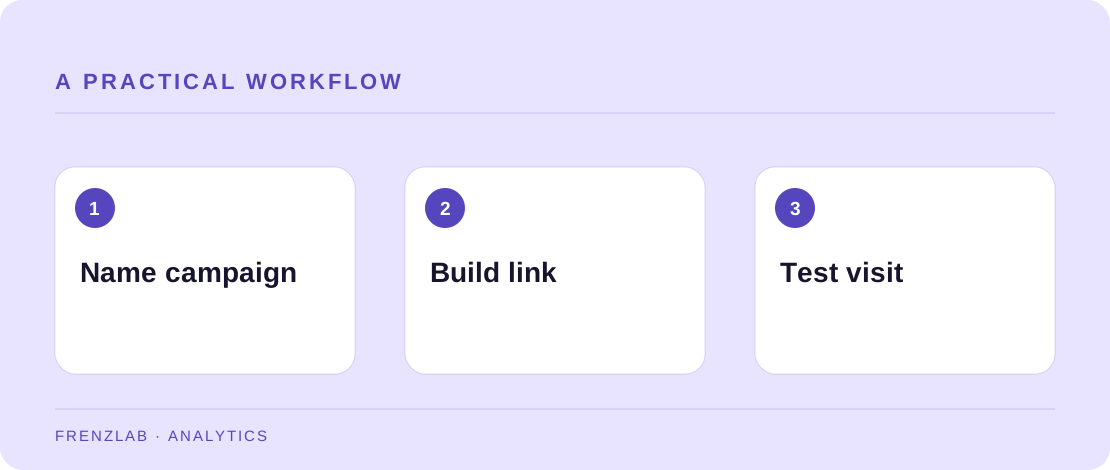
A practical way to handle it
Choose a stable utm_source such as instagram and a medium such as social. Give each promotion a specific utm_campaign, for example autumn_workshop. If you have two links within the same campaign, use utm_content to distinguish profile_bio from story_link. Write the convention in a shared note before creating several URLs.
Paste the destination into the Campaign Link Builder. If the page already has query parameters, the builder keeps them and adds the UTM values. Open the result and confirm that the signup form, anchor, or product page still works. Later, compare campaign visits with meaningful outcomes such as signups or completed reads, not just clicks. Keep a record of the dates the bio link changed so a report has context.
A worked example
A pottery studio promotes a weekend class from its bio. It uses utm_source=instagram, utm_medium=social, and utm_campaign=weekend_clay_class. A later holiday-gift post uses a different campaign value. This makes the two initiatives easier to compare while keeping the source naming stable.
Before you publish
- Do all links in one campaign share the same campaign value?
- Have you opened the final URL on a phone?
- Does the landing page match the promise in the bio?
A common mistake
Do not put names, email addresses, phone numbers, or order details in UTM fields. URLs can appear in browser history, analytics, and shared messages. Use campaign labels that are useful for reporting without describing a person.
Use the related Frenzlab tool to put this method into practice, then check the result in the destination platform.
Sources and further reading
Platform features and interfaces may change. These references were used to check the platform-specific details in this guide.
Practical, independently written guidance. If a step has changed, tell us so we can verify it.