Tag Pinterest Pin links so outbound visits are easier to interpret
A practical UTM naming approach for Pinterest Pins that lead to articles or products.
Pins can be saved and revisited. A stable destination and a clear campaign label make later analysis easier.
The problem behind the post
A creator may publish several Pins for one article: a checklist graphic, a product photograph, and a diagram. All three can point to the same page, but they communicate different reasons to click. Pinterest Analytics can show Pin-level activity for business accounts. UTM parameters can add a consistent campaign label when visitors arrive at your own analytics-enabled site.
A practical way to handle it
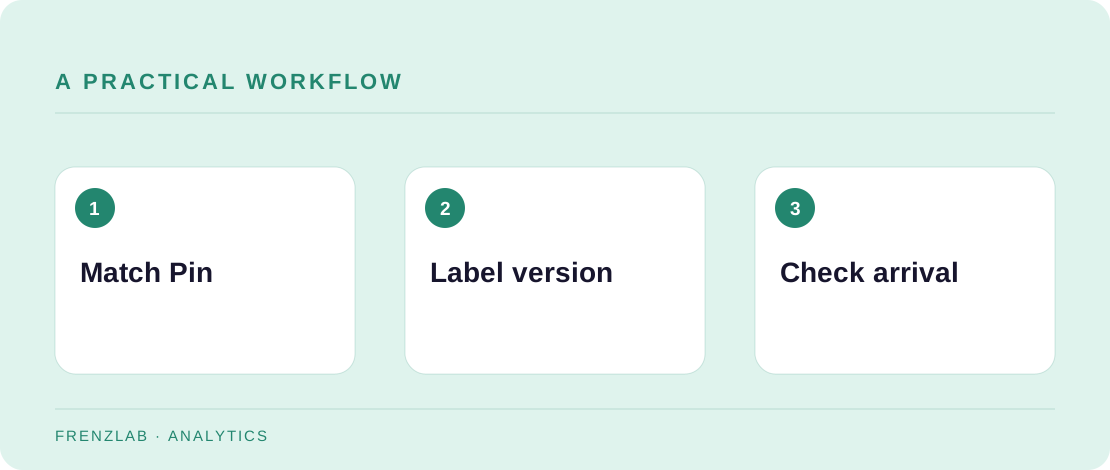
First, make sure the linked page answers the promise in the Pin. Use pinterest as a consistent source and one medium value such as social. Name the shared article or launch as the campaign. Put the creative variation in utm_content, for example checklist_pin or diagram_pin. Build each URL and paste it into the corresponding Pin's link field.
Test every finished link before publishing. If the page redirects, confirm that the destination preserves the campaign parameters. Keep an inventory of which image uses which content label. Later, inspect both Pinterest's outbound-click data and your site's analytics. The numbers may not be identical because the systems observe different steps in the visit.
A worked example
A sewing blogger creates two Pins for a tote-bag guide. One shows a finished bag; the other shows the fabric pieces. Both use utm_campaign=beginner_tote_guide, with utm_content=finished_bag and utm_content=fabric_layout. That lets the blogger compare the creative promise while keeping the article campaign together.
Before you publish
- Does each Pin link directly to the promised page?
- Are source and campaign labels consistent?
- Have redirects been tested for parameter loss?
A common mistake
Do not turn every Pin into a separate campaign name simply because the artwork differs. That makes reporting noisy. Use the content field for the variation and reserve campaign for a real shared initiative.
Use the related Frenzlab tool to put this method into practice, then check the result in the destination platform.
Sources and further reading
Platform features and interfaces may change. These references were used to check the platform-specific details in this guide.
Practical, independently written guidance. If a step has changed, tell us so we can verify it.