Track links in a YouTube video description without confusing viewers
Use readable link labels and UTM parameters for a YouTube video resource or product page.
A trackable description link should still be understandable and worth clicking.
The problem behind the post
A video description may contain a resource mentioned in the tutorial, a related article, a product, and social links. If every line says “click here,” viewers cannot tell which link continues the lesson. Campaign parameters can help analyze visits, but the visible label and destination must do the user-facing work first.
A practical way to handle it
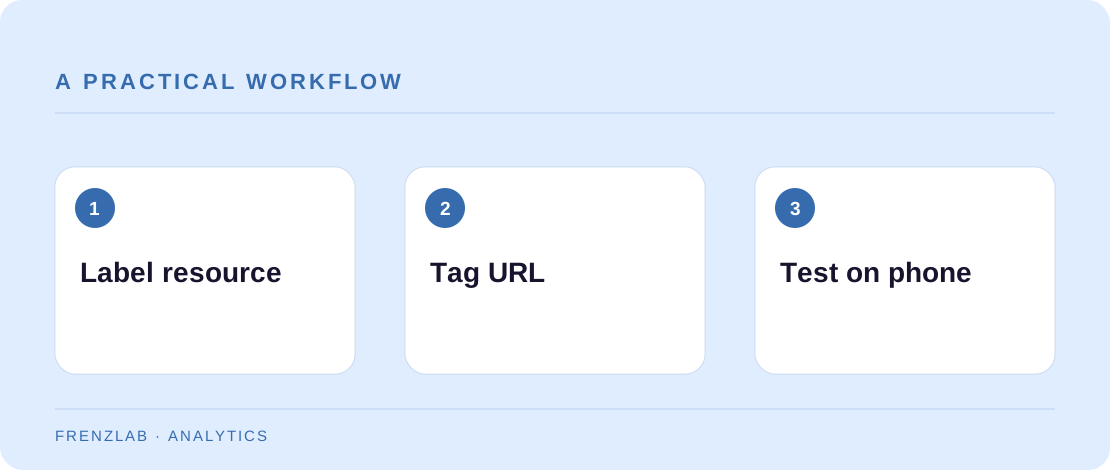
For each important link, write a short label that names the destination. Use the Campaign Link Builder to add utm_source=youtube, a consistent medium, and a campaign for the video or series. If a link appears in more than one position, use the optional content label to distinguish them. Keep a simple spreadsheet of the URL, label, and video where it appears.
Open each final URL from the published description on a phone. Check that the page loads, that any sign-up step is explained, and that a redirect has not discarded the parameters. A long UTM URL can look distracting; where a platform lets you attach a link behind descriptive text, use that. Otherwise keep the visible line tidy and avoid placing critical instructions only inside the URL.
A worked example
A camera tutorial includes “Download the one-page lighting setup” followed by a tagged link to the actual PDF landing page. Another link labeled “Full gear list” goes to a separate page and campaign. A viewer can choose the relevant resource without guessing, and the creator can see which resource earned visits.
Before you publish
- Does each link label describe the destination?
- Do tagged links survive redirects and load correctly?
- Are different resources kept distinct in reporting?
A common mistake
Do not use a tracking link to send viewers to a page unrelated to the video. A click is not a success if the person cannot find what was promised. Measurement should clarify the user journey, not make it worse.
Use the related Frenzlab tool to put this method into practice, then check the result in the destination platform.
Sources and further reading
Platform features and interfaces may change. These references were used to check the platform-specific details in this guide.
Practical, independently written guidance. If a step has changed, tell us so we can verify it.