Plan alt text across an Instagram carousel
Make each carousel image understandable while keeping the full lesson in accessible post text.

A multi-slide post asks the reader to follow a sequence. Each image should carry its part of the story.
The problem behind the post
A carousel may combine a cover, photographs, charts, and text-heavy slides. One generic description for the whole set does not explain the individual images. At the same time, repeating the entire caption on every slide is exhausting. Plan the sequence in plain text first, then describe what each image contributes.
A practical way to handle it
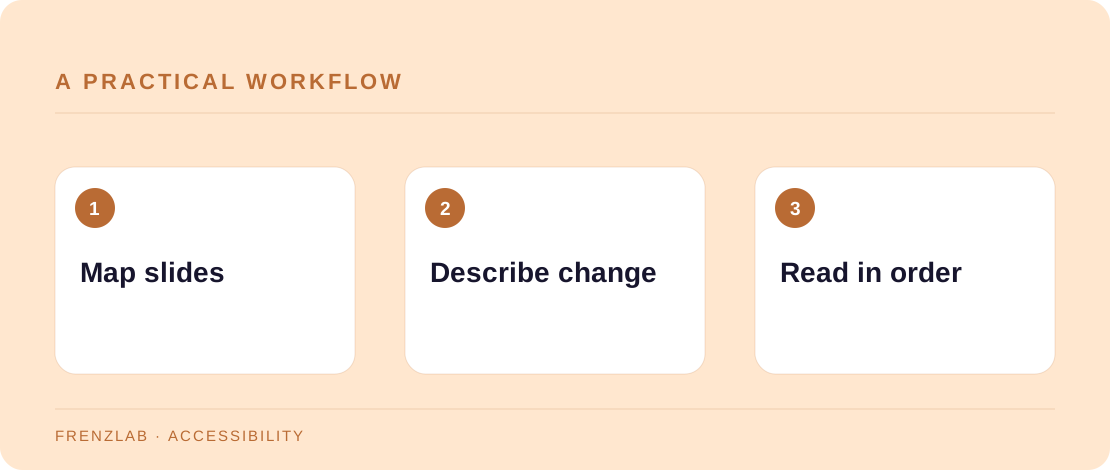
For each slide, write one sentence answering “What new information is here?” A cover may only need the topic, while a diagram may need its relationships explained. When a slide contains substantial written instructions, include them in the post text or another accessible format; alt text alone may not be a comfortable place for a long procedure. Draft each description with the Alt Text Workshop and review the sequence together.
Read the carousel without images, using the caption and descriptions in order. Can someone understand the takeaway and the action to try? If slide three refers to a visual arrow or colored zone, name what that arrow or zone means instead of saying “see the red area.” Avoid describing decoration that adds no information.
A worked example
A plant-care carousel shows a leaf with yellow edges, a diagram of root moisture, and a photo of drainage holes. The descriptions can identify the yellow edge pattern, explain the moisture diagram, and describe where the drainage holes appear. The caption can summarize that several causes are possible and the viewer should check soil moisture before changing watering habits.
Before you publish
- Does every slide have a distinct purpose?
- Are instructions available outside the graphic?
- Can the sequence be followed without color or position alone?
A common mistake
Do not assume automated descriptions capture your intended lesson. They may name objects but miss the comparison or warning. A short human review is especially valuable for charts, screenshots, and text-heavy slides.
Use the related Frenzlab tool to put this method into practice, then check the result in the destination platform.
Sources and further reading
Platform features and interfaces may change. These references were used to check the platform-specific details in this guide.
Practical, independently written guidance. If a step has changed, tell us so we can verify it.