Describe a LinkedIn process photo with useful alt text
Write a short image description that conveys the action and evidence in a professional process post.
A process photo is often evidence of how work happened. Describe the part that matters to the explanation.
The problem behind the post
A workshop table, prototype, or production line may contain many objects. Listing every object can hide the action the post is about. Ask why the photo is included. If the post explains a new assembly method, the description should identify the relevant arrangement or change. LinkedIn supports alt text for images in feed posts and articles; use the current upload interface to add your final description.
A practical way to handle it
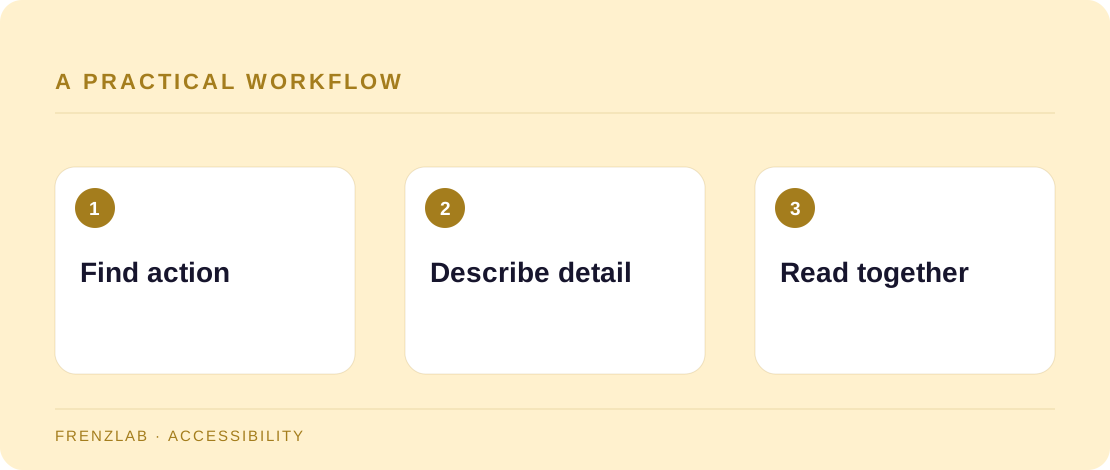
Start with the central subject and action. Then include a distinguishing detail that supports the post. Avoid guessing a person's identity, feelings, or intent from appearance. If the photograph includes a sign or label that the reader needs to follow the explanation, include the essential words. Use the Alt Text Workshop to assemble a draft, then remove repetition with the surrounding post text.
Read the post aloud without looking at the image. The caption and alt text together should tell a coherent story. If a complex process has three stages, one photo description may not be enough; put the steps in the post or article body too. Accessibility works best when the core explanation is available as text, not trapped inside an image.
A worked example
A furniture maker posts a photo of a jig holding two boards at a right angle. The alt text can say, “Wooden corner jig holds two oak boards square while clamps secure the joint.” The post can explain why the jig reduced alignment errors. Listing the color of every tool on the bench would add little.
Before you publish
- Does the description name the relevant action?
- Are you avoiding guesses about people?
- Is the process explained in text as well as the photo?
A common mistake
Do not use alt text as a hidden keyword field. A description written for search terms may become long and confusing to a screen-reader user. Serve the person who needs the information first.
Use the related Frenzlab tool to put this method into practice, then check the result in the destination platform.
Sources and further reading
Platform features and interfaces may change. These references were used to check the platform-specific details in this guide.
Practical, independently written guidance. If a step has changed, tell us so we can verify it.