Make a Facebook event image readable without turning it into a flyer wall
Plan an event graphic with a clear subject, short headline, and details that remain available in event text.
An event image should establish the topic quickly. Date, location, accessibility, and booking details also need readable text outside the graphic.
The problem behind the post
Event graphics often try to contain everything: organizer logos, a full schedule, prices, map, and a paragraph of terms. At small size, none of it is readable. Start by choosing the one visual message the image must carry. The structured event description is a better home for complete practical details that someone may need to copy or hear with assistive technology.
A practical way to handle it
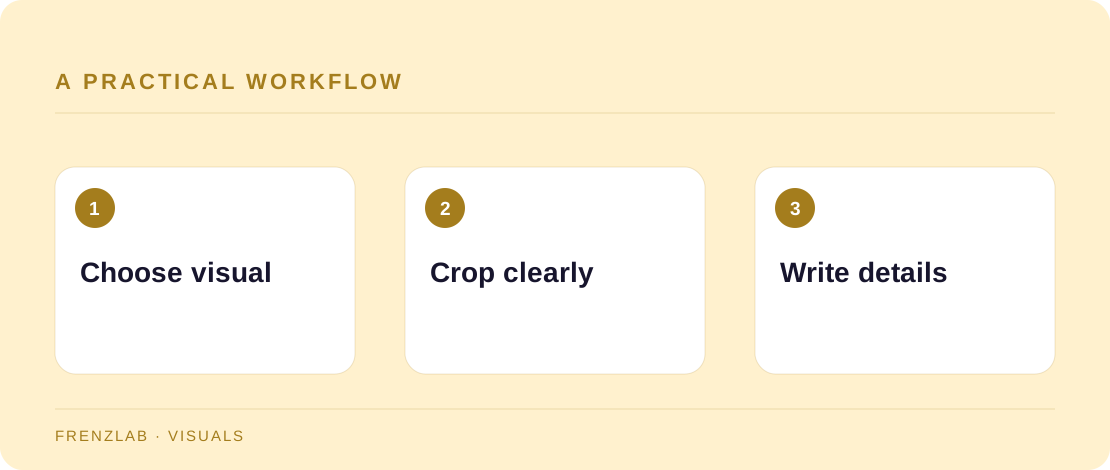
Make a wide crop around the event subject: the speaker, venue, finished project, or activity. Use a short headline if needed, then leave clear space around it. Export and inspect the image on a phone. In the event description, repeat the date, time zone, address or online link, cost, booking requirement, and any access details. The image should support that information, not be its only source.
Before posting, ask someone unfamiliar with the event to say what it is. Then ask them to find the registration details without zooming into the image. If they struggle, improve the event text or layout. The Social Image Resizer handles the crop; it does not create an accessible event listing by itself.
A worked example
A pottery studio advertises a beginner wheel class. The image shows hands shaping clay with the short line “Try the wheel.” The event text gives the date, studio address, duration, price, and what clothes to wear. A visitor can understand the subject from the image and complete the decision from readable text.
Before you publish
- Is the event topic clear at small size?
- Are practical details also in the event text?
- Does the crop keep the activity visible?
A common mistake
Do not place the only booking link or safety instruction inside the image. That can fail both accessibility and usability when the graphic is cropped, compressed, or read by someone who cannot see it.
Use the related Frenzlab tool to put this method into practice, then check the result in the destination platform.
Sources and further reading
Platform features and interfaces may change. These references were used to check the platform-specific details in this guide.
Practical, independently written guidance. If a step has changed, tell us so we can verify it.