Crop a YouTube tutorial thumbnail so the subject survives small screens
A thumbnail workflow focused on readable subject placement and an honest preview of the tutorial.
The thumbnail should help someone recognize the topic at a glance, even when it appears much smaller than the design file.
The problem behind the post
Creators often design on a large monitor and judge the image at full size. On a phone, the subject may become a tiny object and a long headline may turn into visual noise. A better crop starts with the question the video answers. If the tutorial is about fixing a zipper, a clear close view of the zipper is more useful than a distant portrait and five decorative icons.
A practical way to handle it
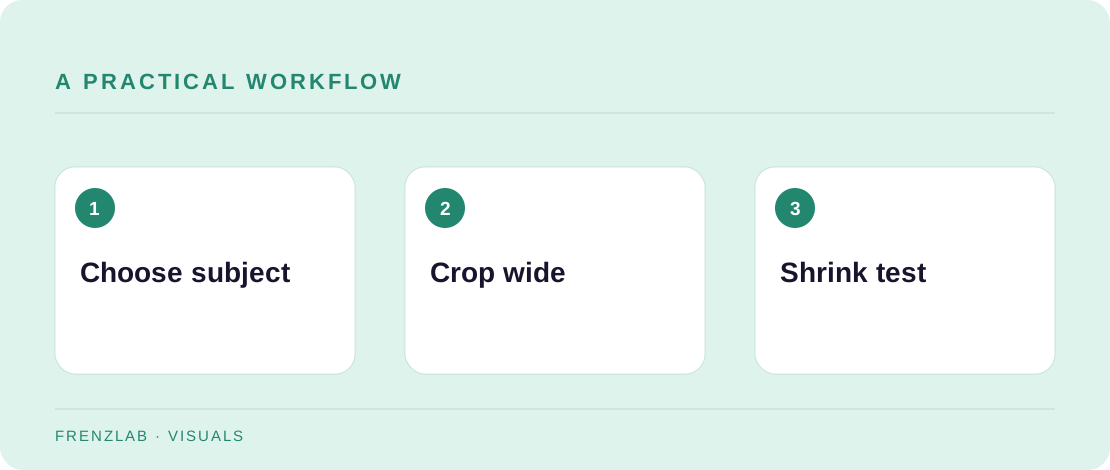
Choose one focal point and make sure it remains recognizable at a small size. If you use text on the thumbnail, keep it brief and different from the title only when it adds information. Use the Social Image Resizer to make a wide crop, moving the focus so the subject is not lost at an edge. Then shrink the downloaded image in your file viewer to roughly the size of a thumbnail in a feed.
Check that the image and video agree. A thumbnail showing a finished object is fine when the video really teaches that result; a dramatic image of a different outcome will confuse viewers. Contrast and legibility matter, but they are not reasons to exaggerate. The final preview inside YouTube may differ from your local canvas, so inspect it after upload.
A worked example
For a video about repairing a scratched wooden chair, frame the damaged corner and a hand applying the first repair step. The title can supply the broader context. In a small preview, the scratch and action remain visible. A wide photo of the whole workshop would make the actual lesson hard to recognize.
Before you publish
- Can the main subject be identified when the image is small?
- Does the thumbnail match the video’s real outcome?
- Is important text away from the edges and still readable?
A common mistake
Do not treat a size preset as a guarantee that every YouTube surface will show the whole canvas. Different placements and devices can crop or overlay the image. Leave visual breathing room and check the published preview.
Use the related Frenzlab tool to put this method into practice, then check the result in the destination platform.
Sources and further reading
Platform features and interfaces may change. These references were used to check the platform-specific details in this guide.
Practical, independently written guidance. If a step has changed, tell us so we can verify it.