Caption a LinkedIn process video for viewers watching without sound
Plan on-screen text and captions that explain a process without requiring audio.
A process video should remain understandable when someone cannot hear the narration or chooses to watch silently.
The problem behind the post
A maker may narrate a process while the clip shows hands doing the work. Without sound, the viewer sees motion but not the reasoning. Subtitles can carry the narration, yet they may cover the very detail being demonstrated. The aim is to coordinate caption wording, timing, and placement with the visual action.
A practical way to handle it
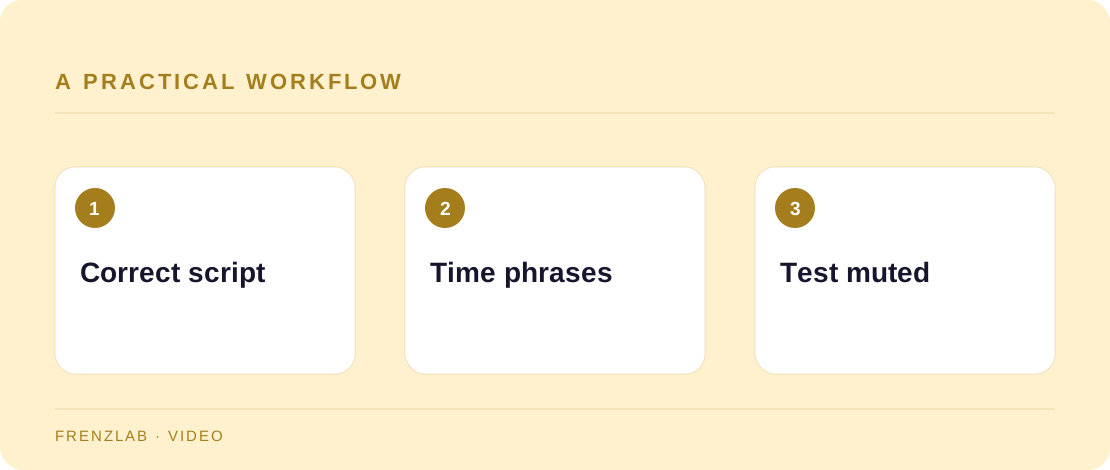
Write a corrected transcript and identify the words that explain a decision, warning, or material. Use the Subtitle Line Breaker as a first pass, then adjust line breaks to match complete phrases. In your video editor, place each phrase near the moment the relevant action occurs. Review the clip on a phone at normal speed without audio.
If a step depends on a sound—such as a click indicating a latch is secure—describe that sound in the caption or a separate on-screen note. Add a short post caption that states what the video teaches and any limits of the method. A viewer should not need to read a long paragraph to understand a crucial safety step that the video omitted.
A worked example
A leather worker demonstrates setting a snap. The video caption can say “Press until the snap seats firmly,” timed with the close-up of the press. A text note can identify the tool size. If the narration says “listen for the click,” the visual version should also explain what a correctly seated snap looks like.
Before you publish
- Can the process be followed with sound off?
- Are captions placed away from the action?
- Are sounds that carry meaning described in text?
A common mistake
Do not paste an uncorrected auto-transcript into the video and call the work finished. A single mistaken material name or reversed instruction can make a tutorial confusing or unsafe. Review the final captions against the footage.
Use the related Frenzlab tool to put this method into practice, then check the result in the destination platform.
Sources and further reading
Platform features and interfaces may change. These references were used to check the platform-specific details in this guide.
Practical, independently written guidance. If a step has changed, tell us so we can verify it.