Break short-video subtitles into lines people can read
Edit subtitle text into shorter lines while keeping timing and meaning in view.
Readable subtitles need more than a short character count: they need sensible breaks, accurate words, and time to read.
The problem behind the post
Automatic captions can mishear names, accents, and technical terms. Even a perfect transcript may be difficult to read if a whole sentence appears as one long line on a phone. Breaking at word boundaries is a useful first pass, but the final line breaks should reflect the speaker's phrasing and the timing of the clip.
A practical way to handle it
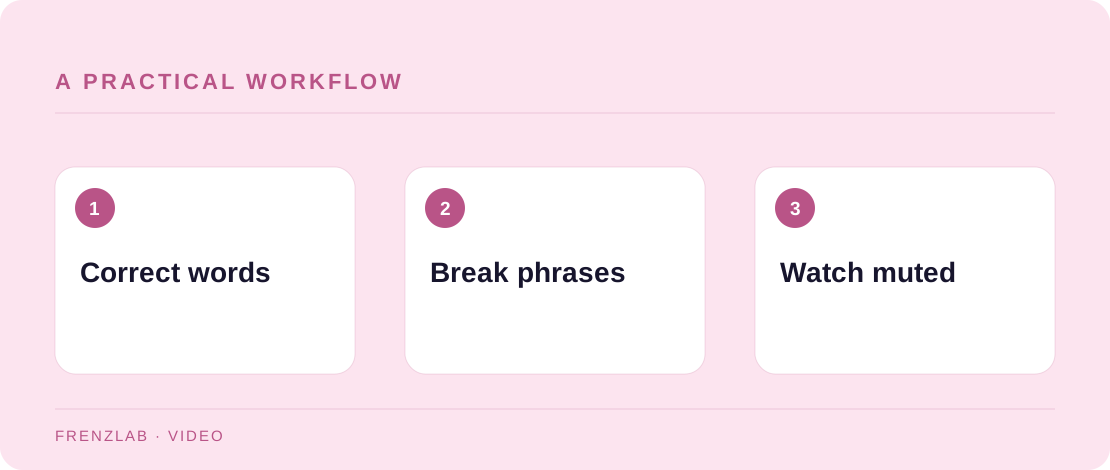
Correct the transcript before shortening it. Paste the cleaned text into the Subtitle Line Breaker and choose a comfortable target length for your design. Copy the result into your editor, then inspect each break in the actual video. Move a word when a line isolates an article, separates a name, or changes the meaning. Add punctuation, speaker labels, or sound descriptions where they help a viewer follow the scene.
Watch once with audio off and once with a screen reader or accessibility settings if available. Check that captions do not cover a face, product detail, or on-screen instruction. The tool does not set timestamps or export SRT files; it only produces a text layout you can refine in a captioning workflow.
A worked example
The sentence “Fold the upper edge toward the seam before you stitch” might break after “seam” in a narrow overlay. A creator can move “before you stitch” to the next caption timed with the hand movement. That is clearer than forcing the whole sentence into one frame.
Before you publish
- Have names and technical words been corrected?
- Do breaks follow speech rather than only length?
- Can a viewer read captions without losing the visual action?
A common mistake
Do not rely on line length alone. A short line displayed for a fraction of a second can still be unreadable. Timing, contrast, placement, and accurate transcription are separate decisions.
Use the related Frenzlab tool to put this method into practice, then check the result in the destination platform.
Sources and further reading
Platform features and interfaces may change. These references were used to check the platform-specific details in this guide.
Practical, independently written guidance. If a step has changed, tell us so we can verify it.