Make fast TikTok tutorials easier to follow with captions
Break narration into readable phrases and verify that important actions are understandable without sound.
Speed can make a useful tutorial feel inaccessible when captions race ahead of the visual action.
The problem behind the post
Fast tutorials often show a result in seconds. When the text flashes too quickly, a viewer may need to replay several times to catch a measurement, ingredient, or warning. Shorter lines help, but so does deciding which steps need more screen time. Accessibility can reveal an editing problem: the demonstration itself may be too compressed.
A practical way to handle it
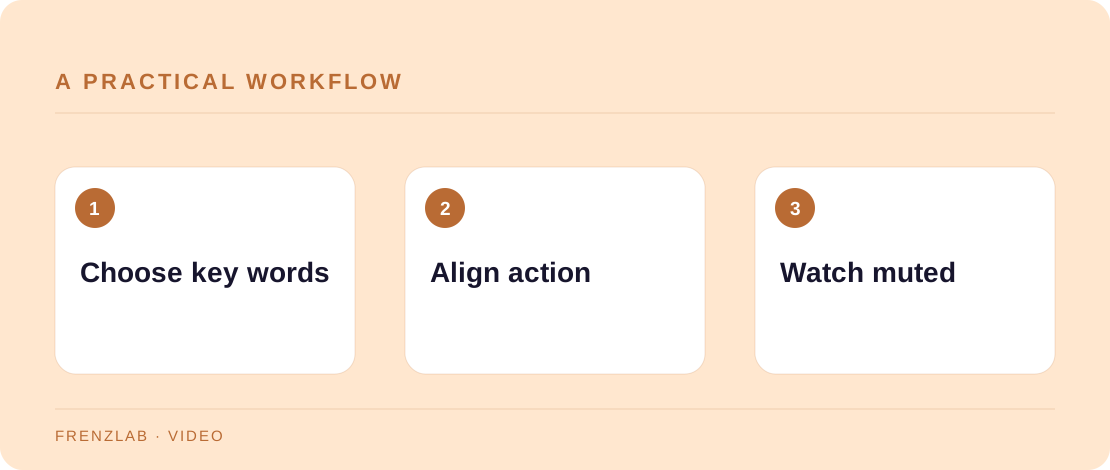
Identify the few words a viewer must retain to perform the task. Correct the transcript, then use the Subtitle Line Breaker to split it at word boundaries. Rework the breaks so each caption appears with the matching action. Slow a crucial step or add a freeze frame when a hand movement carries important information. Provide measurements or safety details in the post text as well.
Test the clip in ordinary playback with sound off. Ask whether someone can complete the task from the visual and captions together, not whether every spoken word technically appears on screen. If the answer is no, lengthen the video or point to a full guide. An accurate short clip that admits its limits is more helpful than an impossibly compressed “complete tutorial.”
A worked example
A 20-second repair clip shows a needle being threaded, a seam closed, and the knot hidden. Captions can say “Use matching thread,” “Stitch from the inside,” and “Secure the final knot.” If the actual stitch is never visible, a slower close-up or linked full lesson is needed; more text alone will not teach the hand movement.
Before you publish
- Can a viewer follow the key step with sound off?
- Is every important measurement available in text?
- Does the video give enough time to read each caption?
A common mistake
Do not shrink text to fit a long sentence on one screen. Smaller type may meet a character target while making the video less readable. Cut to the essential phrase or give the action more time.
Use the related Frenzlab tool to put this method into practice, then check the result in the destination platform.
Sources and further reading
Platform features and interfaces may change. These references were used to check the platform-specific details in this guide.
Practical, independently written guidance. If a step has changed, tell us so we can verify it.