Edit product-demo subtitles so the key steps stay visible
A subtitle review workflow for product demos where names, buttons, and visual steps must agree.
A demo caption should help a viewer identify the action on screen, not compete with it.
The problem behind the post
Product demos move through menus and controls while a narrator explains why the action matters. Automated captions may miss product names or place text over the button being clicked. Even when the words are correct, one long line can hide the interface. That makes the demo harder to follow for the people who rely on captions most.
A practical way to handle it
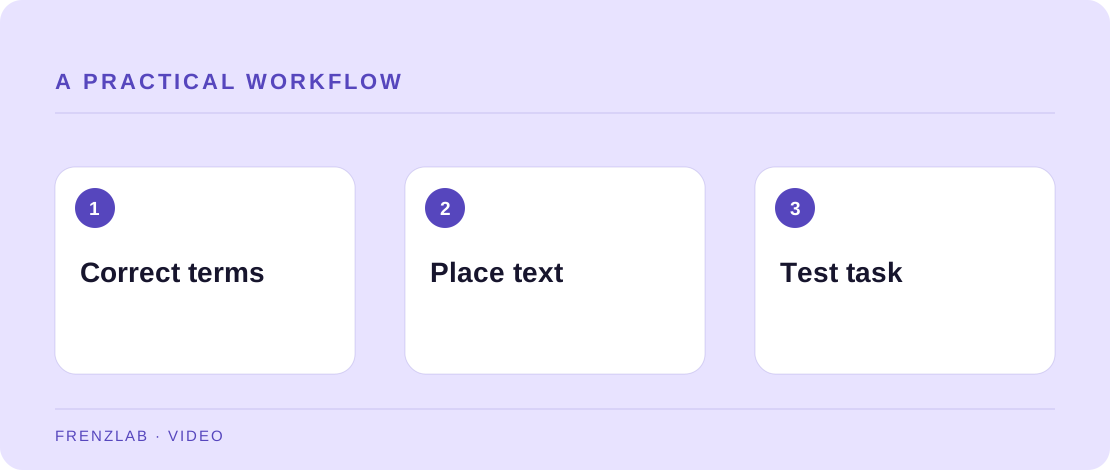
Export or write the transcript and correct every product name, button label, and technical term. Use the Subtitle Line Breaker to create a first set of shorter lines. In the video editor, time each phrase with the action it describes. When a control is on the lower edge, move captions to a clear region if the editor allows it, or reframe the recording. Include sound cues only when they carry information.
Play the final demo without sound and pause at each instruction. Can you identify which control is being discussed? If the interface has changed since recording, update the video or label it with the version and date. Captions are not a way to conceal an outdated demonstration; they are part of making the demonstration usable.
A worked example
A screen recording shows “Export report” in the top-right corner. A caption line that says “Choose Export report” should appear while that button is visible. If the caption sits over the button, a viewer may know the words but still be unable to find the control. Moving the caption or adding a brief highlight fixes the real problem.
Before you publish
- Are product and control names transcribed exactly?
- Does each line appear while the related action is visible?
- Do captions avoid covering controls and results?
A common mistake
Do not generate a subtitle layout from marketing copy that differs from the spoken or demonstrated steps. The text should represent the video faithfully. If the demo changed during editing, rebuild the transcript from the final cut.
Use the related Frenzlab tool to put this method into practice, then check the result in the destination platform.
Sources and further reading
Platform features and interfaces may change. These references were used to check the platform-specific details in this guide.
Practical, independently written guidance. If a step has changed, tell us so we can verify it.